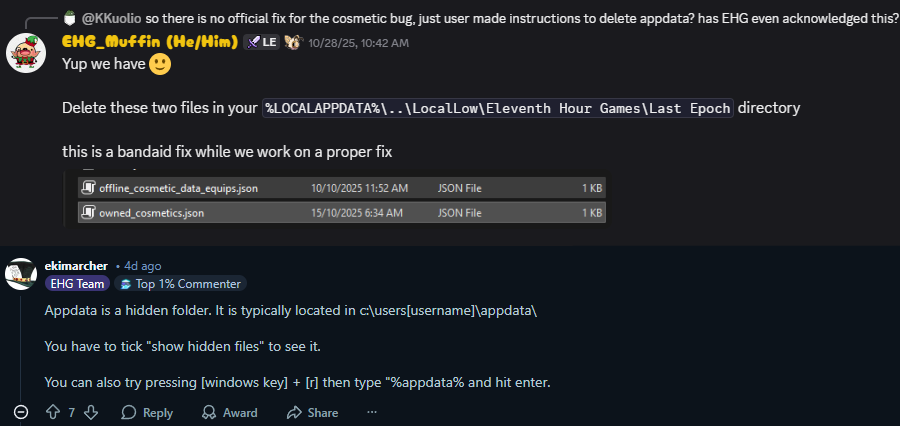
If you are like me this bug causing your equipped MTX to reset every time you start the game, well it’s enough to drive you completely nuts.
Thanks to Andrew Tilley for letting me know we have a pre patch fix relayed by support someplace and I have verified it 100% worked for me thank the gods.
With the game is not running…
Go to c:\Users\USER_NAME\AppData\LocalLow\Eleventh Hour Games\Last Epoch
USER_NAME is your name on the computer.
Delete both “offline_cosmetic_data_equips.json” and “owned_cosmetics.json”
APPDATA is a hidden folder, so you’d have to make the hidden folder visible.
Thanks Andy! You are the best.